Personal finance for Android
Your money.
Clearer.
Track balances, income, expenses, budgets, accounts and debts from one clean money manager built to keep everyday finances easy to understand.
Private by design
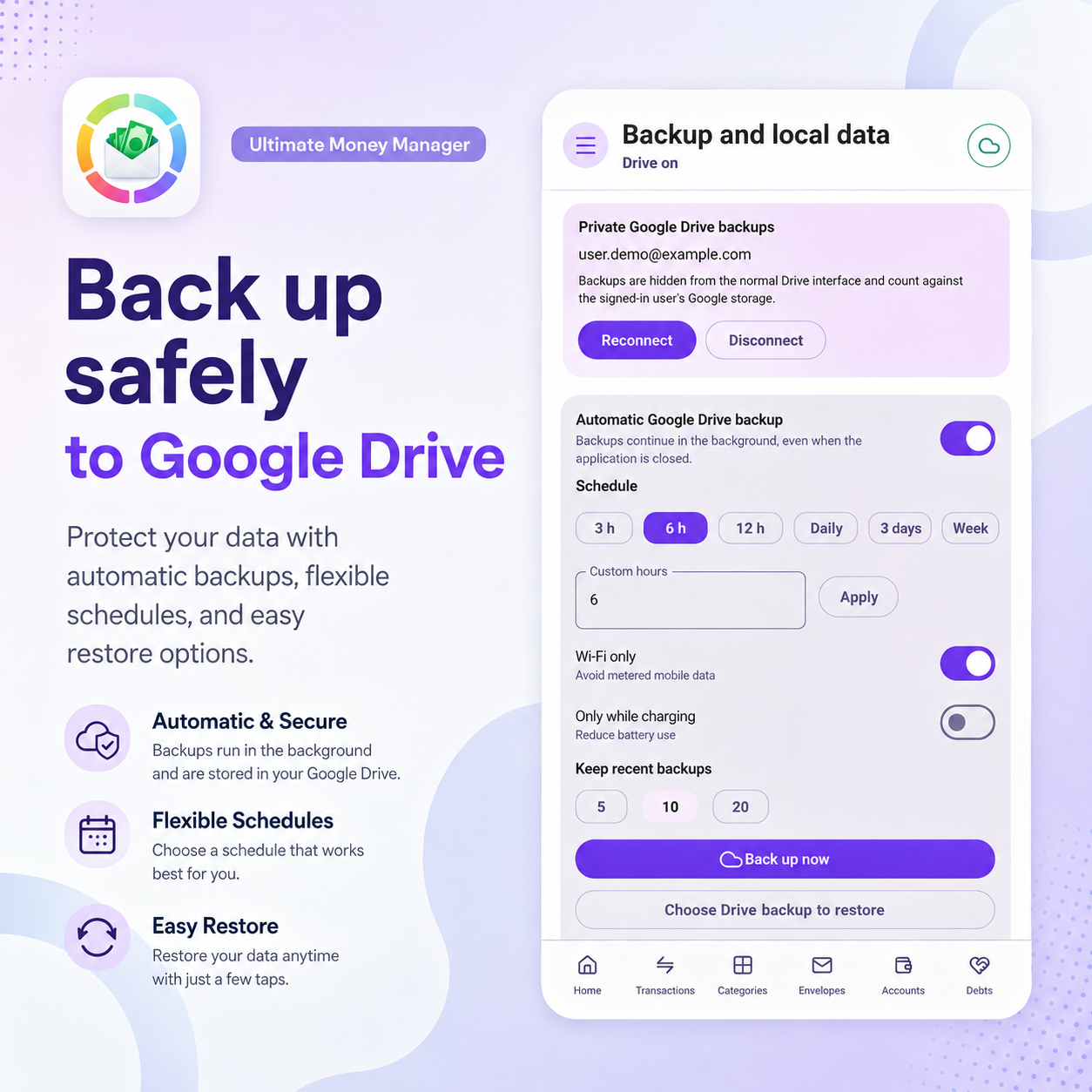
Encrypted Drive backup
Flexible budgeting
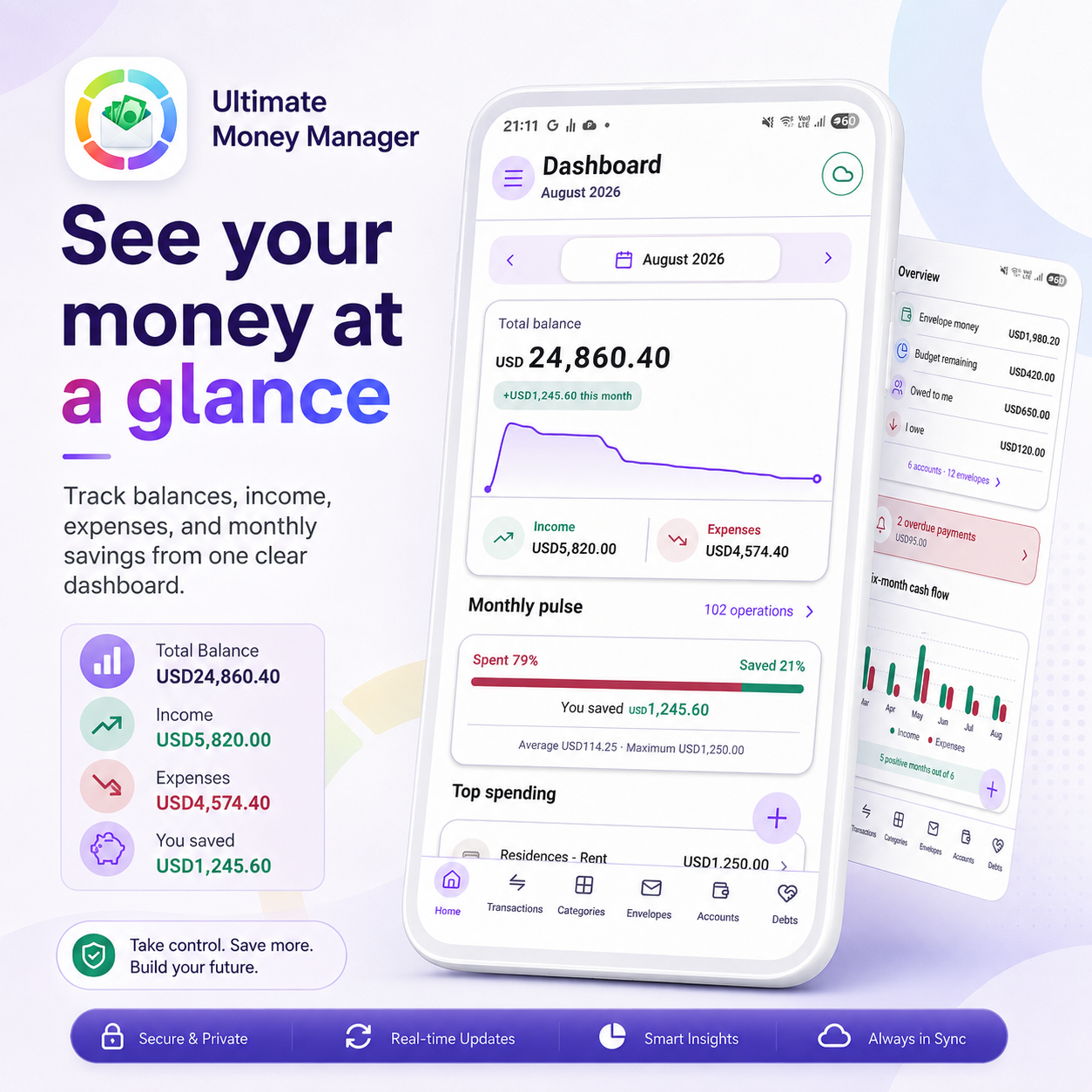
Explore the app
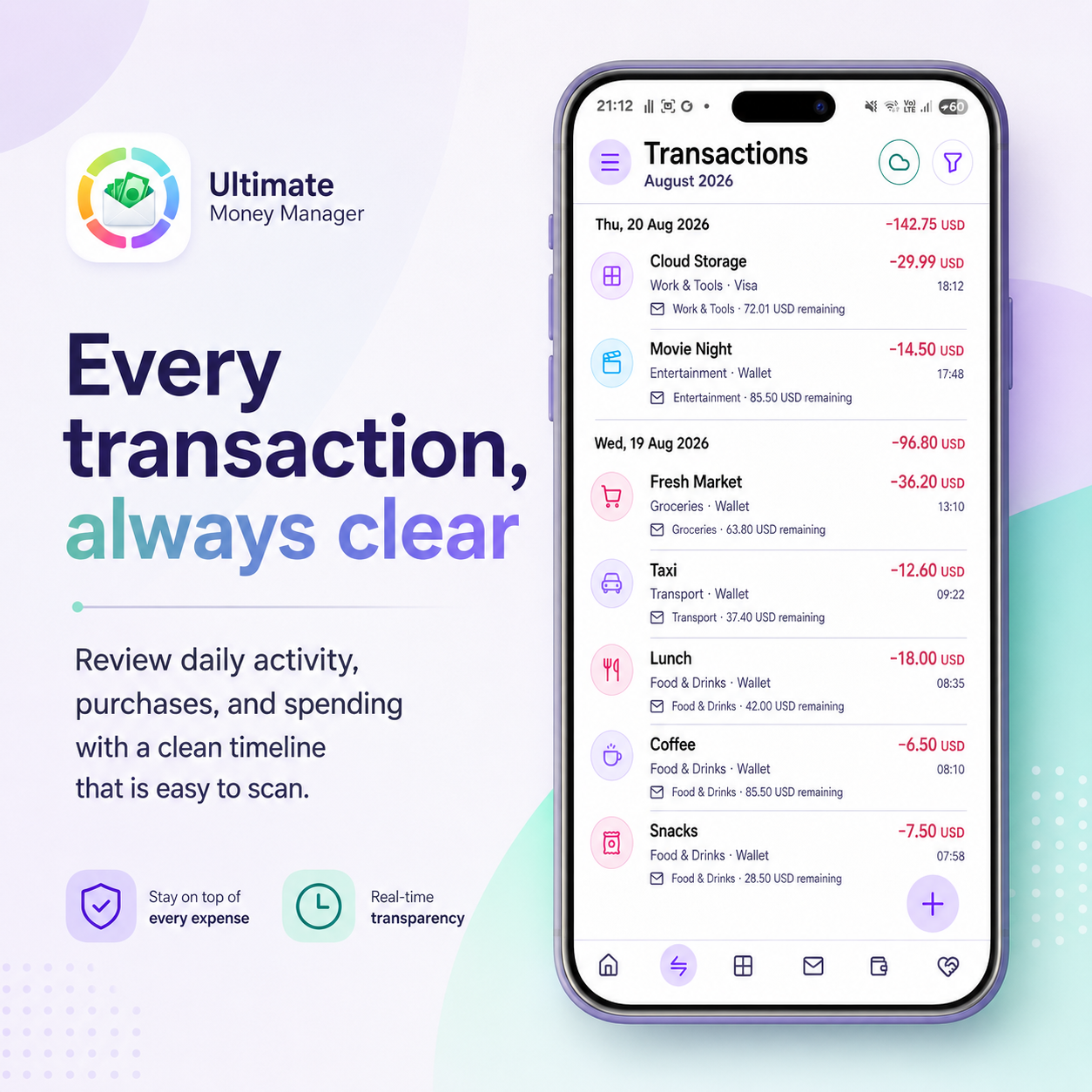
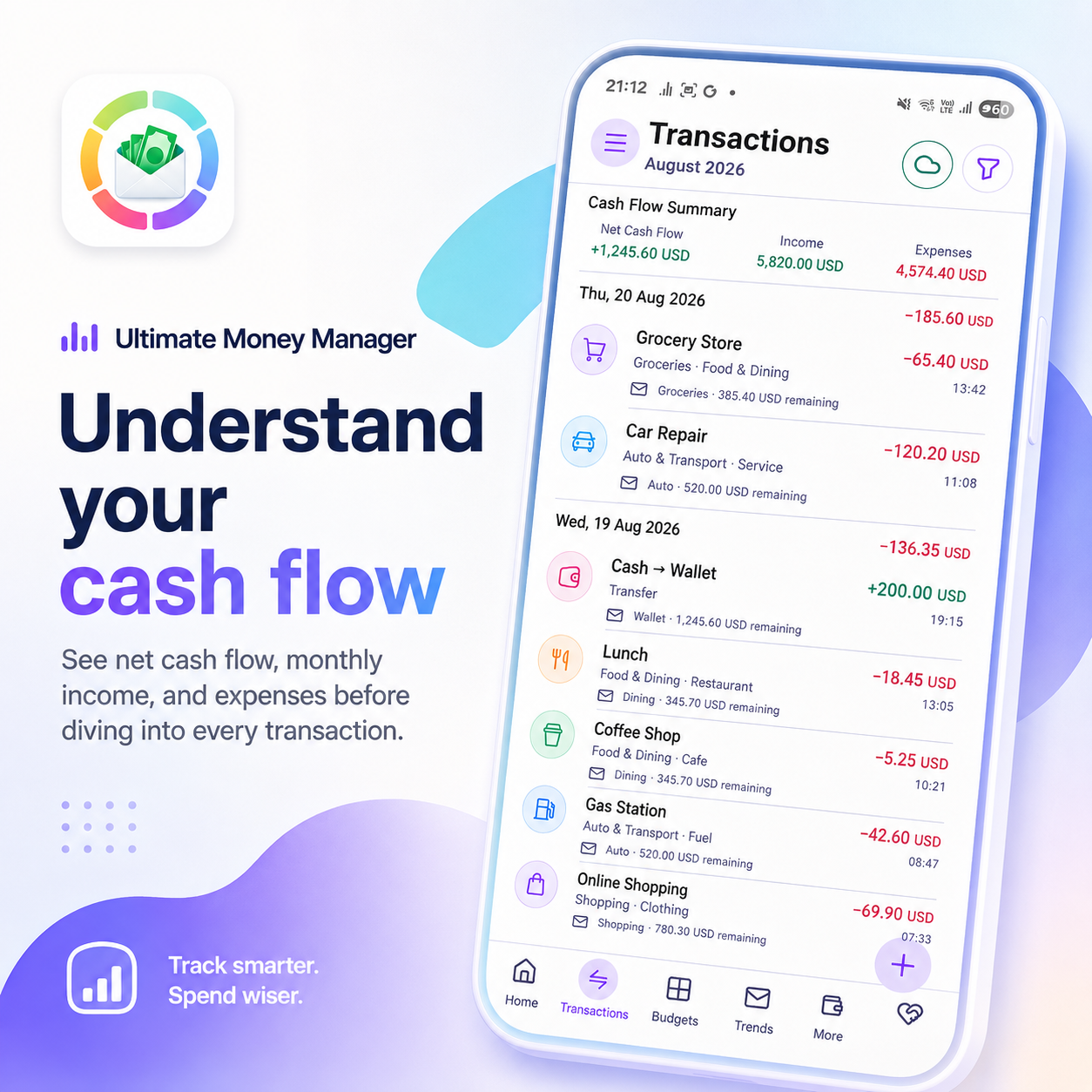
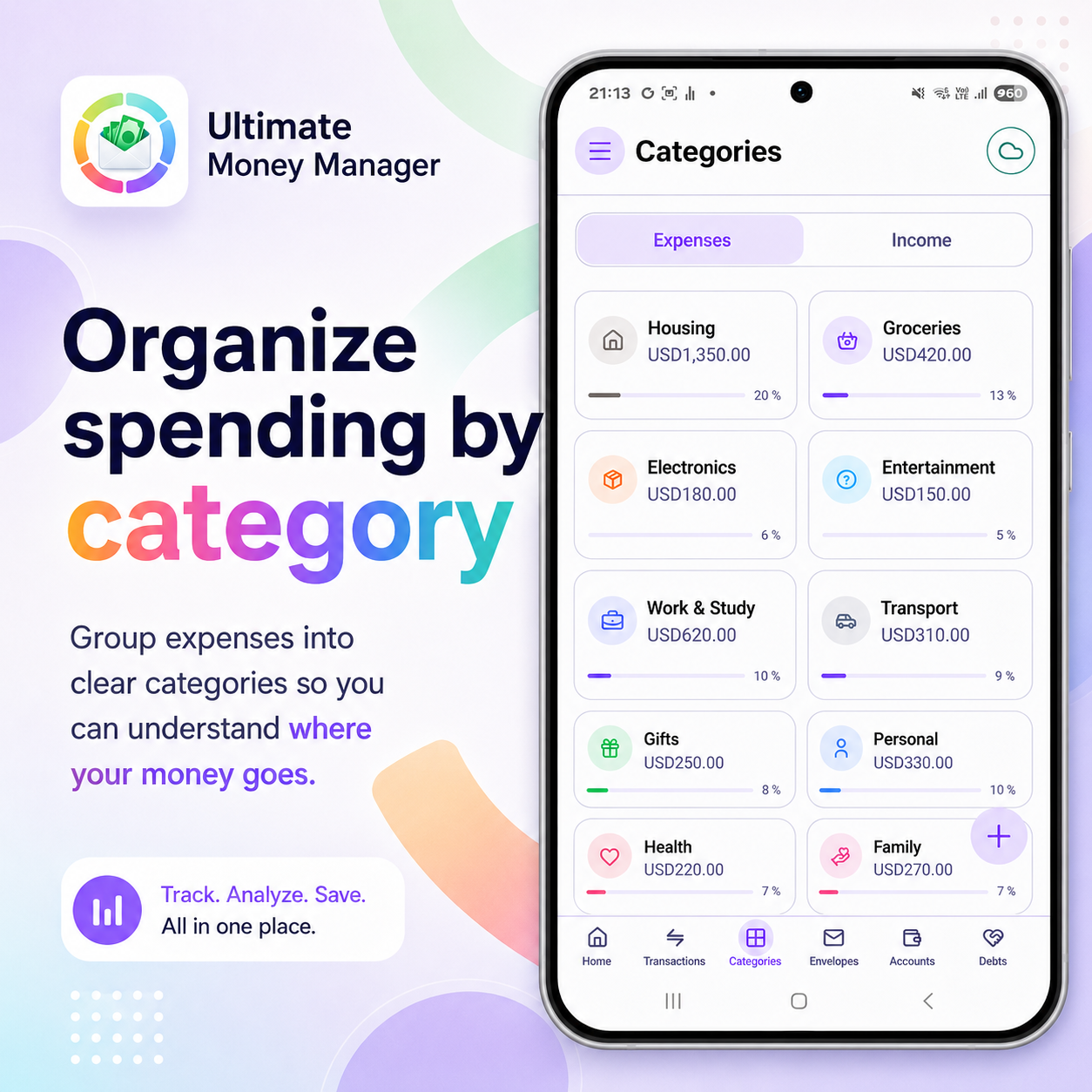
Everything you need to stay on top of your money
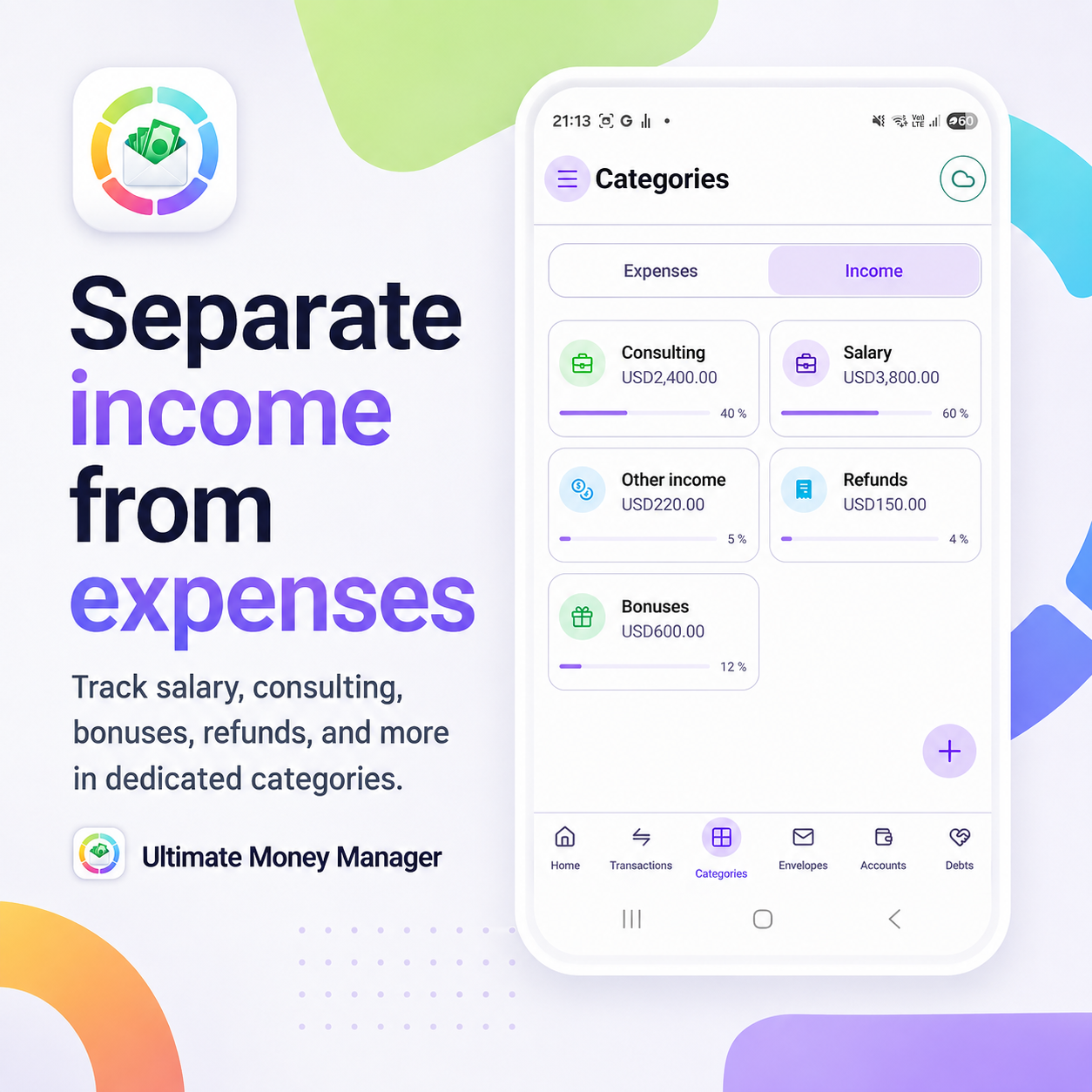
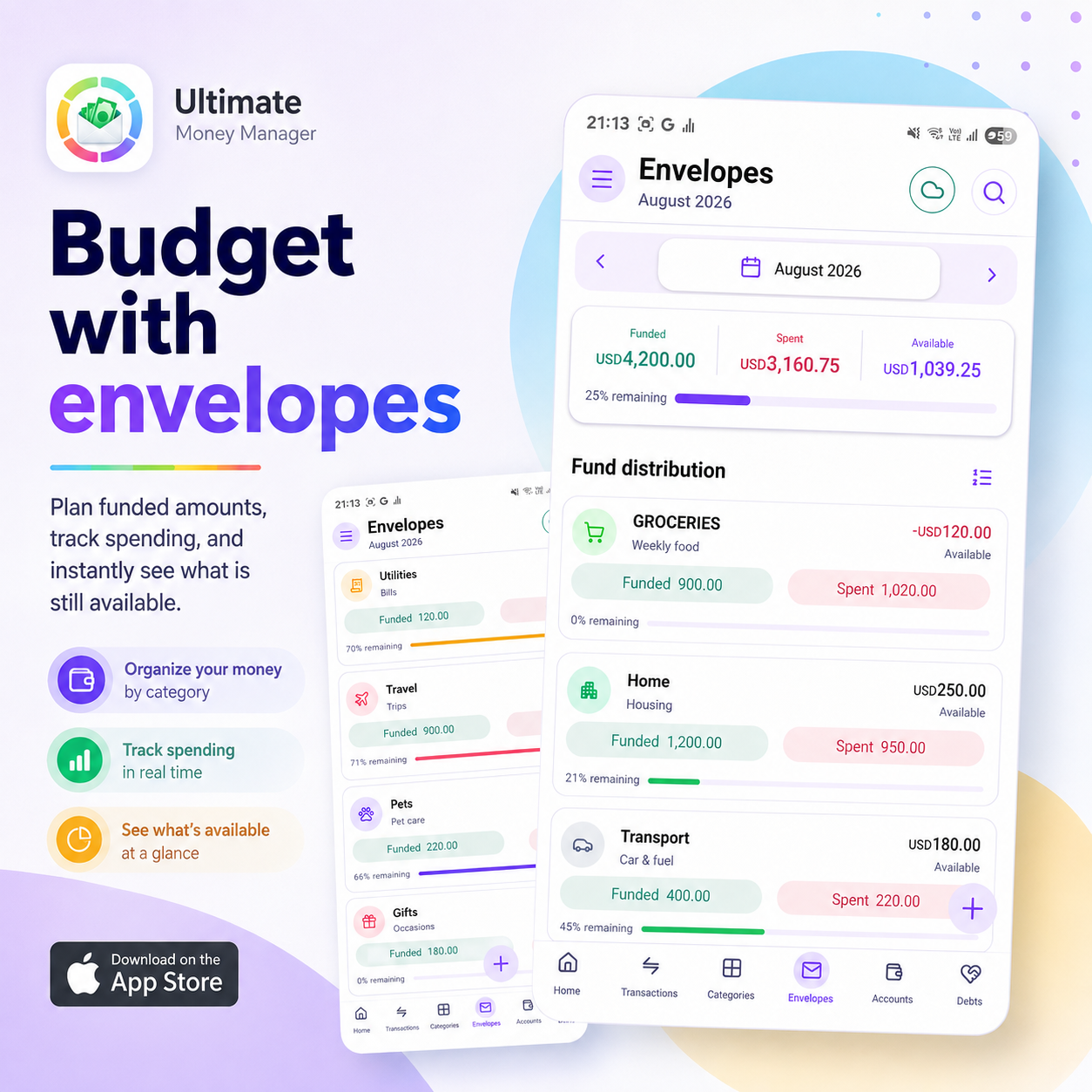
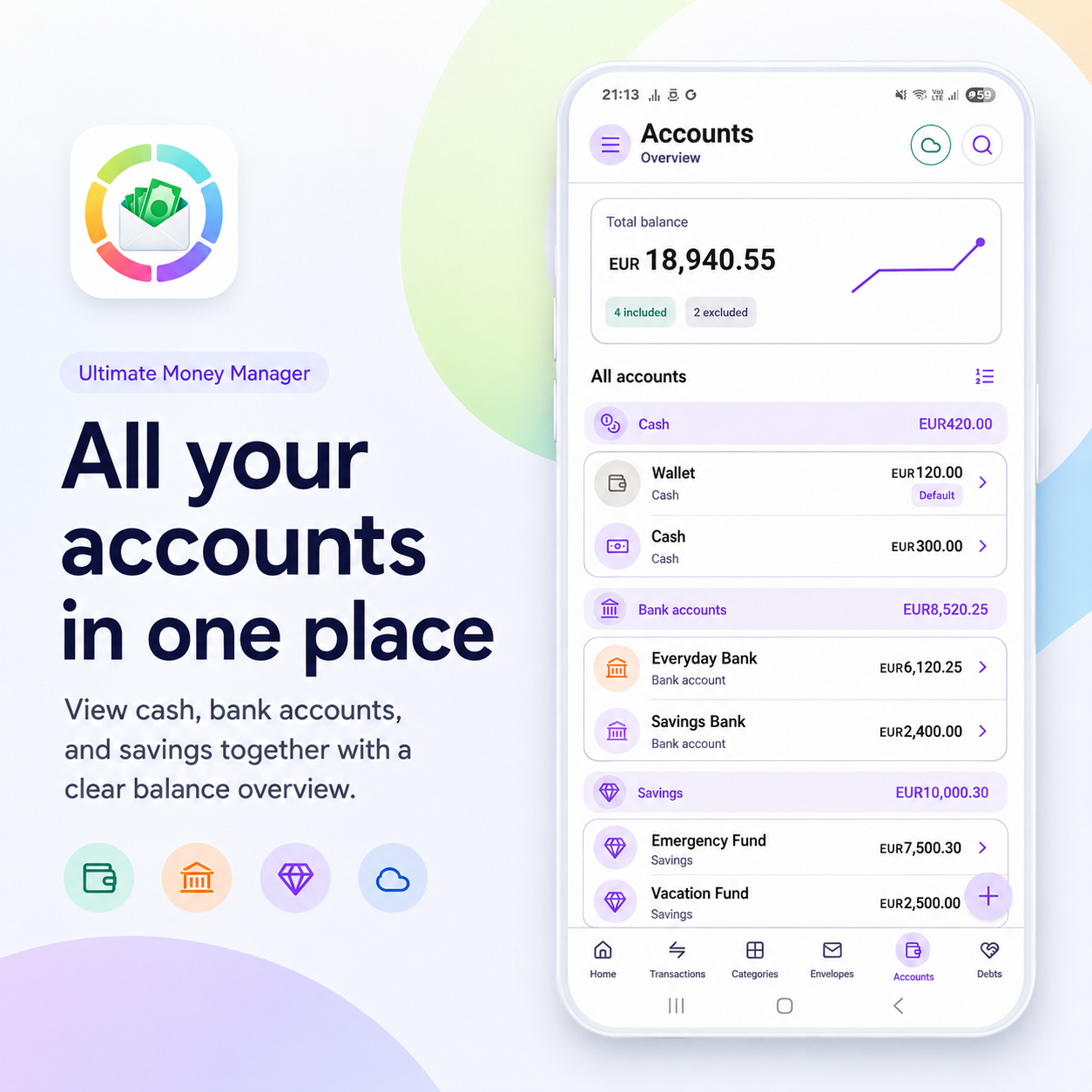
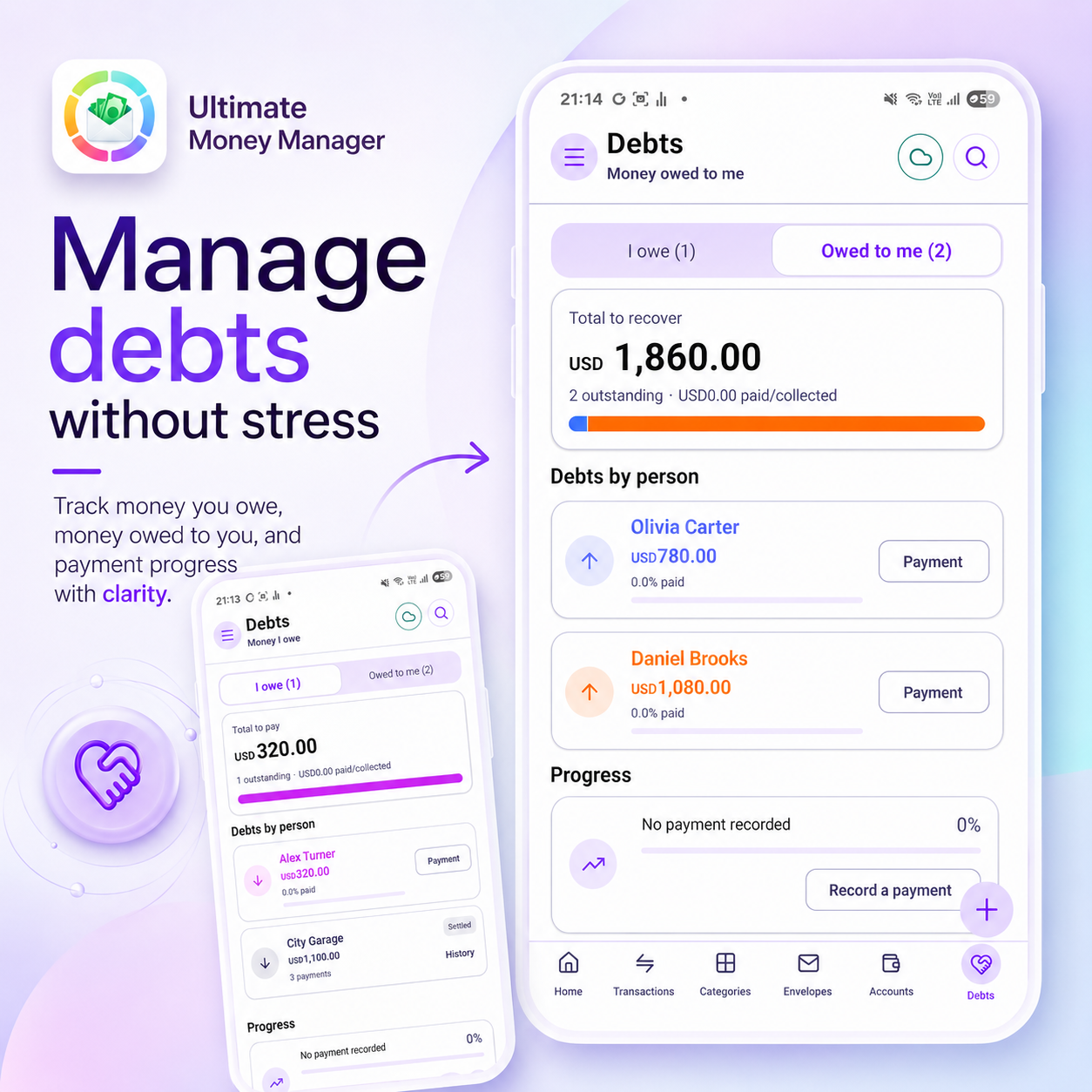
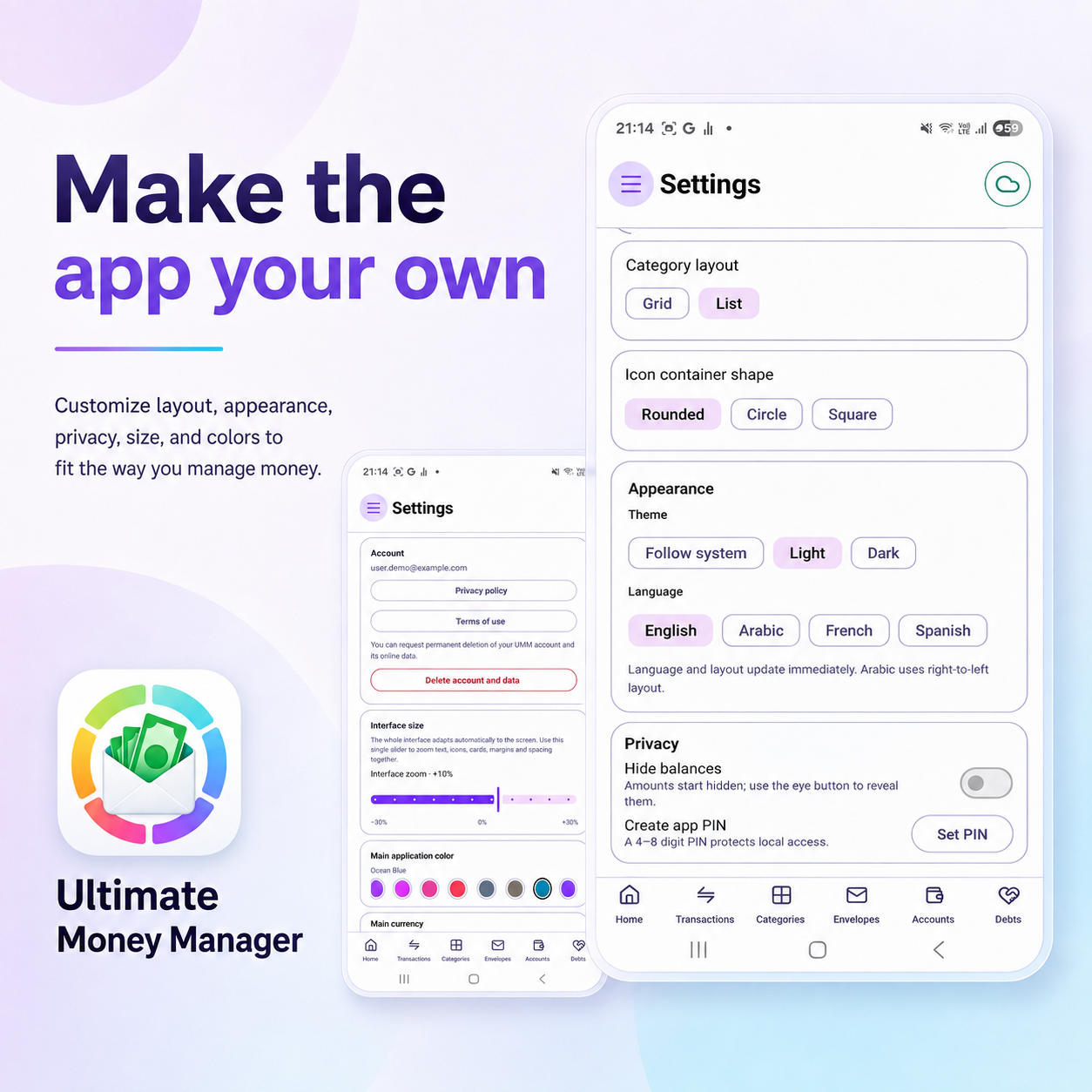
These are the official Ultimate Money Manager feature posters. Select any poster to open the app on Google Play.
Ready to start?
Take control of your money today.
Download Ultimate Money Manager from Google Play and keep your finances organized in one place.
Privacy & control
How Ultimate Money Manager uses Google services
Sign in with Google
Users sign in with their Google Account to authenticate their Ultimate Money Manager account. The app uses basic identity information such as account ID, email address, display name and profile image.
Optional encrypted Drive backup
When a user explicitly enables Google Drive backup, Ultimate Money Manager creates an encrypted backup and stores it only in the app's private Google Drive app-data folder. The app does not request access to ordinary files in the user's Drive.
User choice and control
Google Drive authorization is optional and separate from sign-in. Users can disconnect Drive, manage backups, remove access and request account deletion.
Information
Privacy, support and account controls
Privacy Policy
Learn how Ultimate Money Manager accesses, uses and stores account information, optional Google Drive backup data and advertising information.
Read the Privacy PolicyTerms of Use
Review the conditions governing use of Ultimate Money Manager and its optional third-party services.
Read the Terms of UseAccount & support
Request deletion of an Ultimate Money Manager account or contact support for help with sign-in, backups and the application.
Request account deletionOpen the support center